Measure
Enter the width, depth, and usable height of the space you want to organize.
 ModularityPublic Preview
From measurements to a printable layout
Measure your space, arrange trays visually, fit real objects, and export a complete organizer made for the exact area you have.
No account needed for the preview. Your projects stay in this browser unless you download them.
A workflow that makes sense
Modularity guides the decisions in the same order you naturally make them.
Enter the width, depth, and usable height of the space you want to organize.
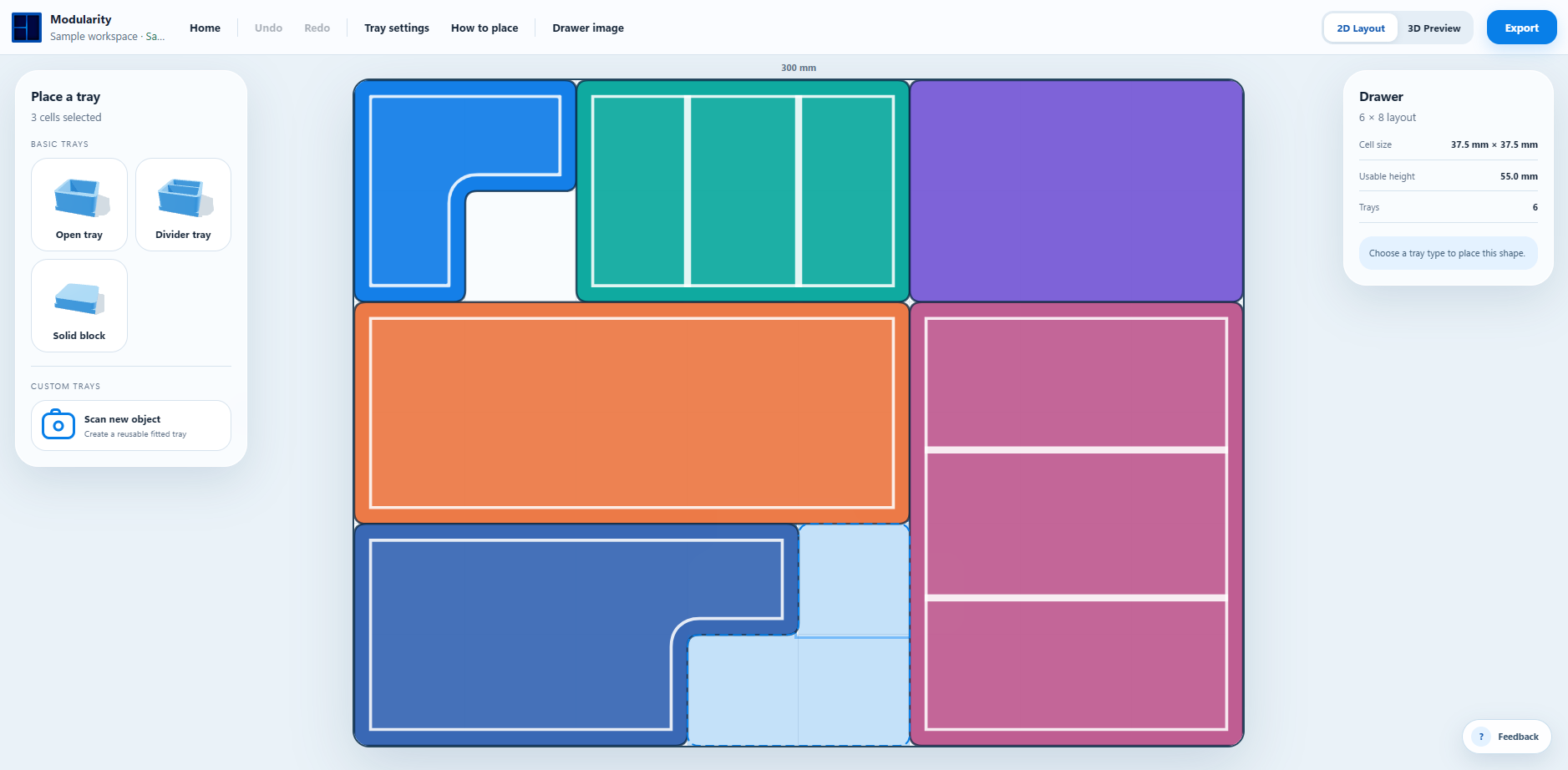
Drag across the layout and turn connected cells into fitted trays, dividers, or solid spacers.
Overlay a photo, freely place dividers, or scan an object to create its fitted pocket.
Preview the complete layout, then export print-ready STL files for your build plate.
An interactive look
Drag to orbit, scroll to zoom, or use the view controls to inspect the complete example layout.
More than a tray generator
Modularity brings the scattered steps of custom organization into one approachable workspace. The result is a layout that feels intentional before anything reaches the printer.
Explore the working preview →Design the space as one coordinated system instead of generating isolated boxes one at a time.
Photograph an object on paper, extract its outline, and position the pocket inside an automatically sized tray.
Use adaptable presets or place vertical, horizontal, diagonal, and freeform dividers visually.
The workflow stays visual from the first measurement to the final printable files without requiring CAD experience.
Shape the next release
This preview is a working demonstration of the complete layout workflow. Try it with a real space, export a tray, and tell us where it should improve.